Type with the Liyora keyboard
Use any language, in its own script or in English letters. The keyboard works like any other.
Liyora · Romanization to English
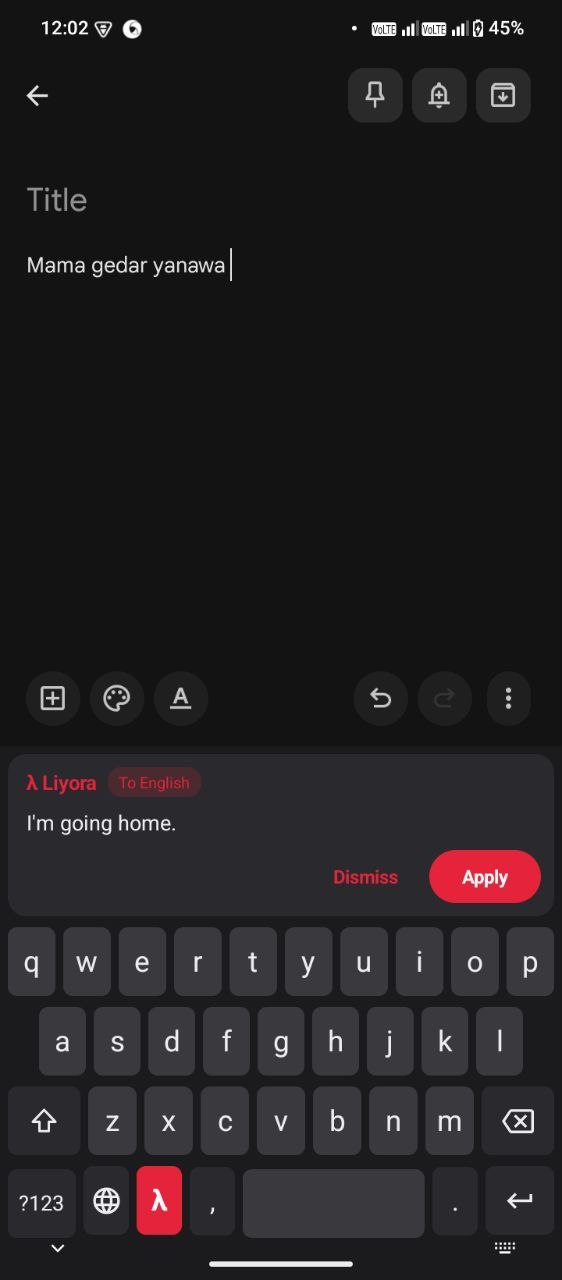
Type in any language, even in English letters. Tap λ. Get English.
Download did not start? See all releases
Android 8.0 or newer. Free. Open source.
The idea
Liyora sits under your words. It reads the whole field, not just the last line.
01 — How it works
Use any language, in its own script or in English letters. The keyboard works like any other.
Liyora reads the whole text in the field.
Read it before it touches your message.
Apply replaces your text. Dismiss leaves it untouched.
02 — Features
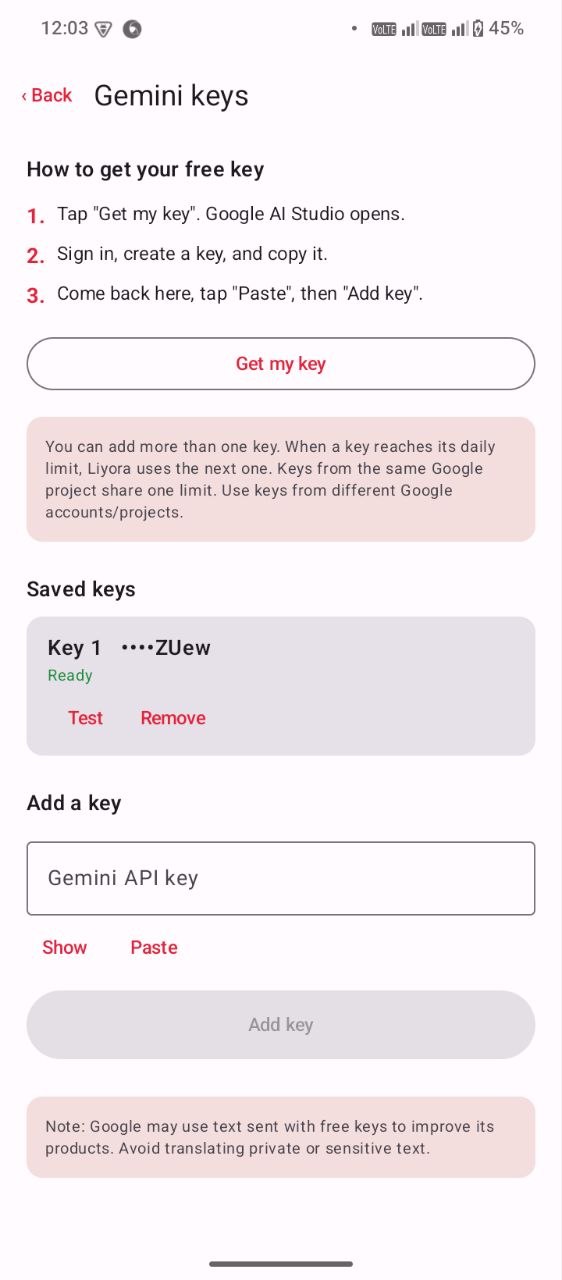
Create a key in Google AI Studio. Keep it yours.
When one key hits its daily limit, Liyora moves to the next.
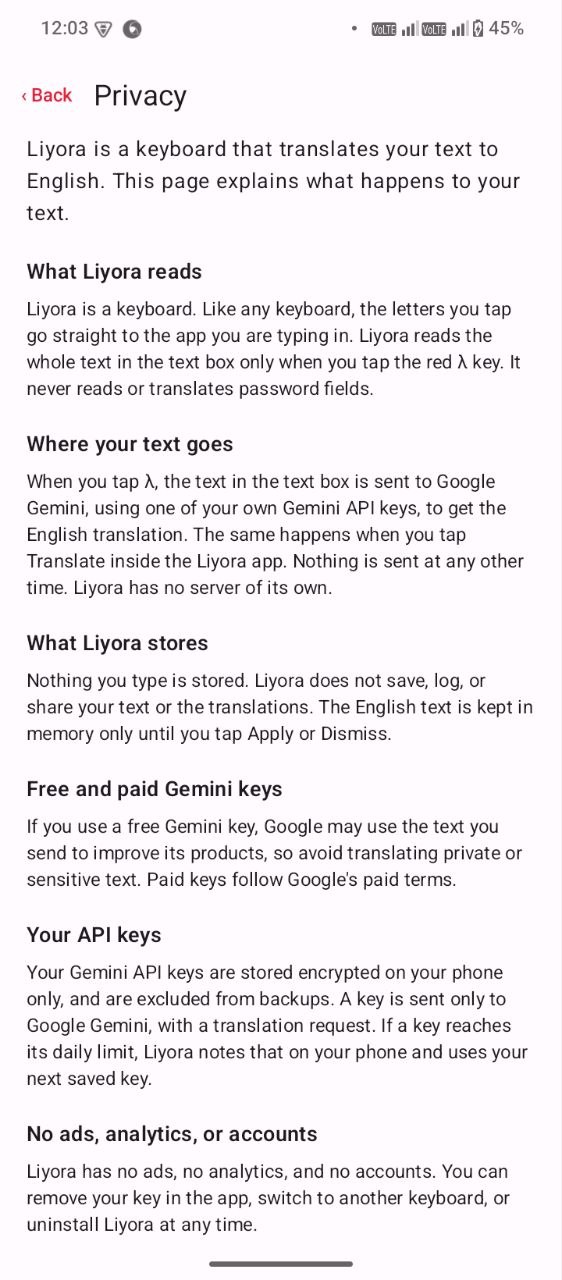
Stored locally and encrypted. Not in a cloud account.
No history. No analytics. No server.
Nothing to sign up for. Nothing to sell.
Liyora ignores them completely.
03 — Screenshots
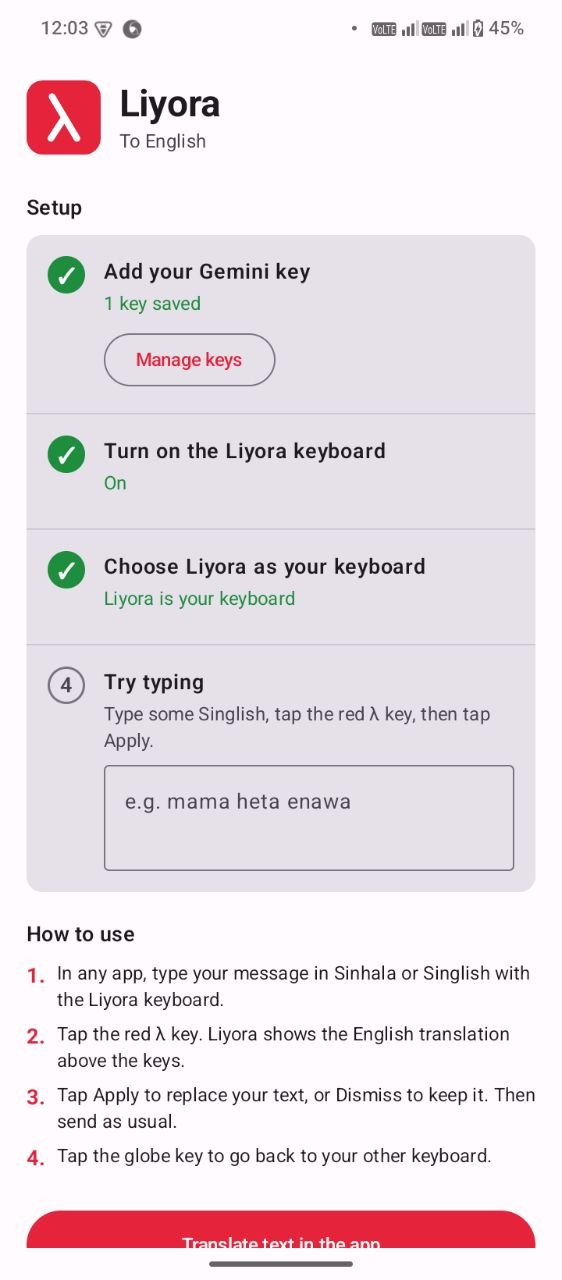
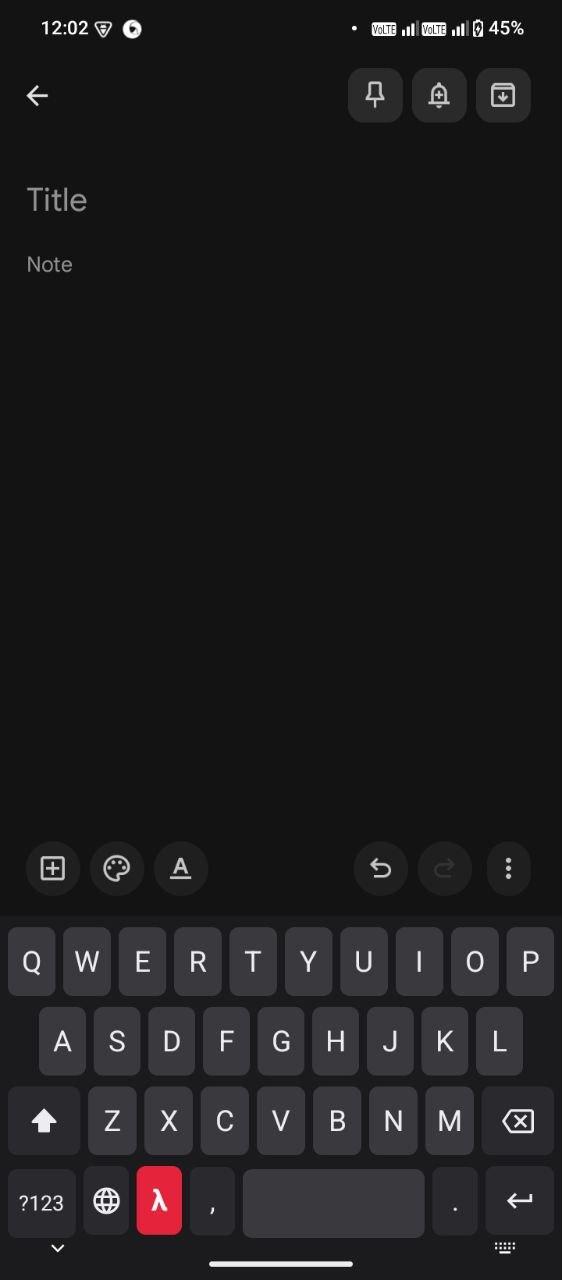
Five screens. No clutter.
04 — Setup
Get the latest release from GitHub.
Android will ask once.
Get one from Google AI Studio.
Settings → System → Languages & input.
Switch to it from the keyboard picker.
05 — Honest limits
Ready when you are
Android 8.0 or newer. Free. Open source.